
Here is a story that repeats itself in shops across India. A salesman visits a shop owner in a city like Coimbatore, shows a very polished demo, and quotes a price that is valid "only till Friday". The owner signs. Three months later, he finds out that the software cannot print a bill in the format his customers want, and that the vendor charges extra for every change. (This is an illustration of a common pattern, not one named shop.)
It happens often. The cure is simple: know what you need before you see a single demo. This guide gives you a clear way to choose POS software for your retail store: what to write down first, 12 questions to ask, a one-day test, and the red flags that should make you walk away.
Step 1: Write down what your shop needs
Before you open any website, take 15 minutes with a pen. Answer these questions.
- How many counters do I have today, and how many may I have in two years?
- How many items do I sell? Hundreds, or thousands?
- Do I sell loose goods by weight, items with sizes and colours, items with expiry dates, or items with serial numbers?
- Am I registered under GST? Do I need tax invoices, or bills of supply?
- Is my internet reliable, or does it drop often?
- Do I need to see my shop from home or when I travel?
- How many people will use the software, and how comfortable are they with computers?
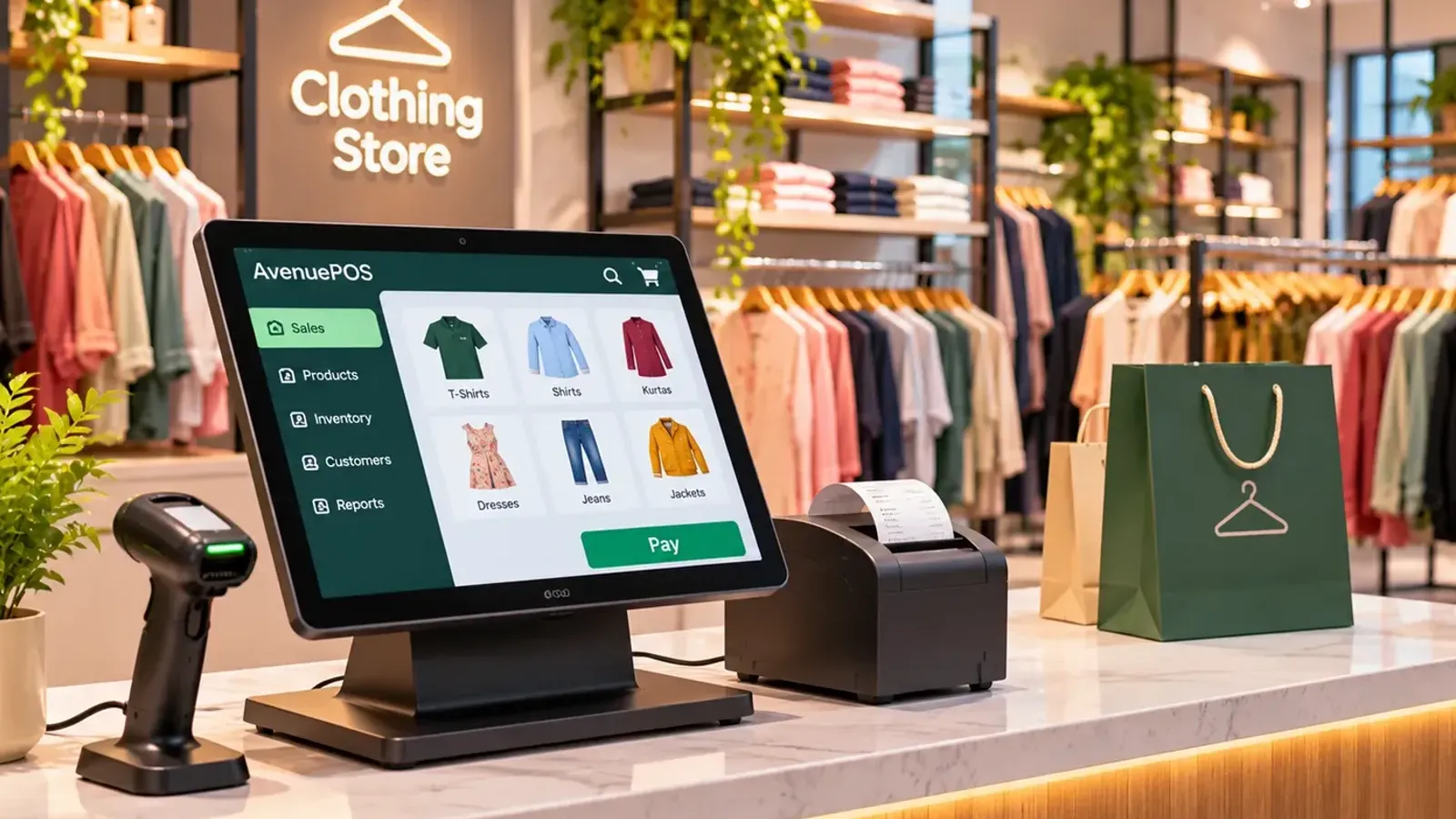
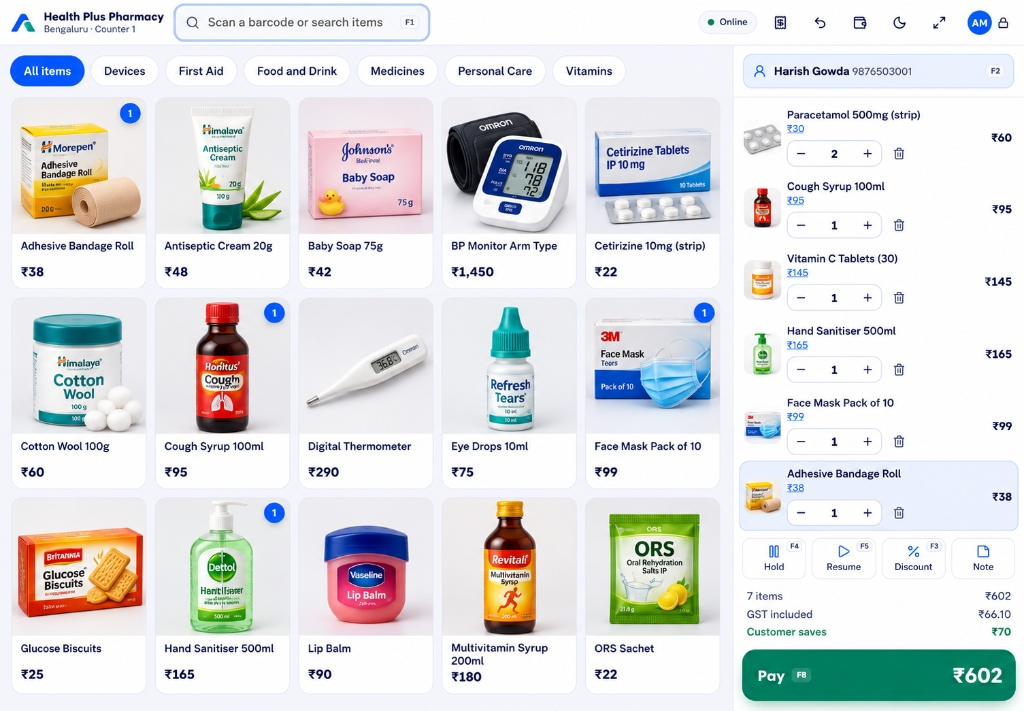
Your answers will quickly narrow the choice. For example, a pharmacy owner needs batch numbers and expiry alerts before anything else, while a clothing store needs sizes and colours, and exchanges. If you want to see how needs differ, look at our pages for POS software for pharmacies and POS software for clothing stores.
Step 2: Ask these 12 questions
| # | Question to ask | Why it matters |
|---|---|---|
| 1 | Does it work offline? Can I bill, return and close the shift with no internet? | Power and internet cuts are real. Billing must not stop. |
| 2 | Does it give correct GST bills, with HSN and the CGST/SGST/IGST split? | Wrong tax on a bill becomes your problem, not the vendor's. |
| 3 | Does it handle the special needs of my kind of shop? | Weight-based items, sizes, batches and serial numbers need real support. |
| 4 | Does stock update automatically after each sale and return? | Billing and stock should be one system, not two. |
| 5 | Can I give each person a PIN and set discount limits? | Control and accountability protect you and your staff. |
| 6 | Will it work with a normal barcode scanner and thermal printer? | You should not be forced to buy only the vendor's hardware. |
| 7 | Can I import my items from Excel? | Typing 3,000 items by hand can waste a week. |
| 8 | Can I see sales and stock from my phone? | Useful for owners who are not always at the counter. |
| 9 | What exactly does the price include? Users, counters, items, support, updates? | Hidden charges are the most common complaint. |
| 10 | Can I download all my data whenever I want? | It keeps you free to leave, and it keeps the vendor honest. |
| 11 | How do I get help, and in which language, at what hours? | A problem at 7 pm on a Saturday is when you need help most. |
| 12 | Is there a free trial with all the features? | You should test before paying, not after. |
Step 3: Do the one-day test
Do not judge a product by its demo. Demos are designed to look smooth. Instead, run your own test, for one working day or even one slow afternoon.
- Add 20 of your real items, including at least one loose item or one item with a variant, whichever applies to you.
- Bill five real customers. Keep your old method running alongside it for the first day.
- Switch off the Wi-Fi and bill two more. This is the most revealing test.
- Do a return against one of the bills.
- Give a discount above the cashier's limit and see that it asks for a manager.
- Close the shift and check that the cash and UPI totals match your count.
- Open the report and ask yourself, "Can I understand this without help?"
If a product passes this test with your own items, it will probably pass the rush hour too.
Red flags to watch for
- "Sign today, special price only till tomorrow." A good product does not need pressure.
- Long lock-in with no trial. A year's contract on something you have not used is risky.
- No way to export data. Your sales history belongs to you.
- Only their hardware works. It usually means higher costs later.
- Charges for every small change, like adding a printer or another user.
- Support only by a chatbot or only during office hours when your shop runs till 10 at night.
- Vague answers on GST. If they cannot explain how tax is split on a bill, move on.
Two shops, two different choices
Here is how the same checklist leads to different decisions. These are illustrative examples.
Shop A: a medical store in Kochi. The owner cares most about batch numbers, expiry alerts, fast billing at peak hours and returns. Offline billing is also a must because of monsoon power cuts. Price is a smaller concern.
Shop B: a garment shop in Surat with two counters. The owner cares about sizes and colours, exchanges, discounts that staff cannot misuse, and seeing both counters from his phone while he is at the wholesale market. Stock by size is the top item.
Both need the basics, but their top three differ. That is why the checklist starts with your shop, not with the product.
Think about two years from now
You may open a second counter. You may start selling through different payment modes. You may hire a manager. Choose a product with plans that grow with you, so you do not need to move data to a different system later. Compare plans on counters, users and items, not only on the monthly price. You can see how ours are structured on the pricing page, and we explain typical costs in How Much Does POS Software Cost in India?.
Cloud or installed?
This is a big decision, so we wrote a separate guide: Cloud-Based POS vs Traditional POS Software. In short, most new shops do better with cloud POS that works offline, because they get remote view and automatic backups without depending on a single computer.
Where AvenuePOS fits
We would be happy if you consider AvenuePOS, and we would also like you to choose well. It is built for retail shops in India: GST invoices, offline billing, barcode billing, stock per store, PIN-based staff control and Excel import. It is a good fit for grocery, pharmacy, clothing, hardware, stationery, wholesale and general stores. If you run a full-service restaurant with table orders and a kitchen display, you will be better served by software made for restaurants. Our customers, such as Kismat Hardware in Pune, tell us they wanted "a straightforward billing solution" and found that everyday transactions became easier. You can test it with your own items, free for 14 days, no card needed. We also compare options in Best POS Software in India for Retail Shops.
The bottom line
The best POS software is the one that handles your shop's rush hour, your GST and your power cuts, at a price you can see clearly, and from which you can leave with your data. Write your needs, ask the same 12 questions, test with real items, and trust the test more than the demo.