
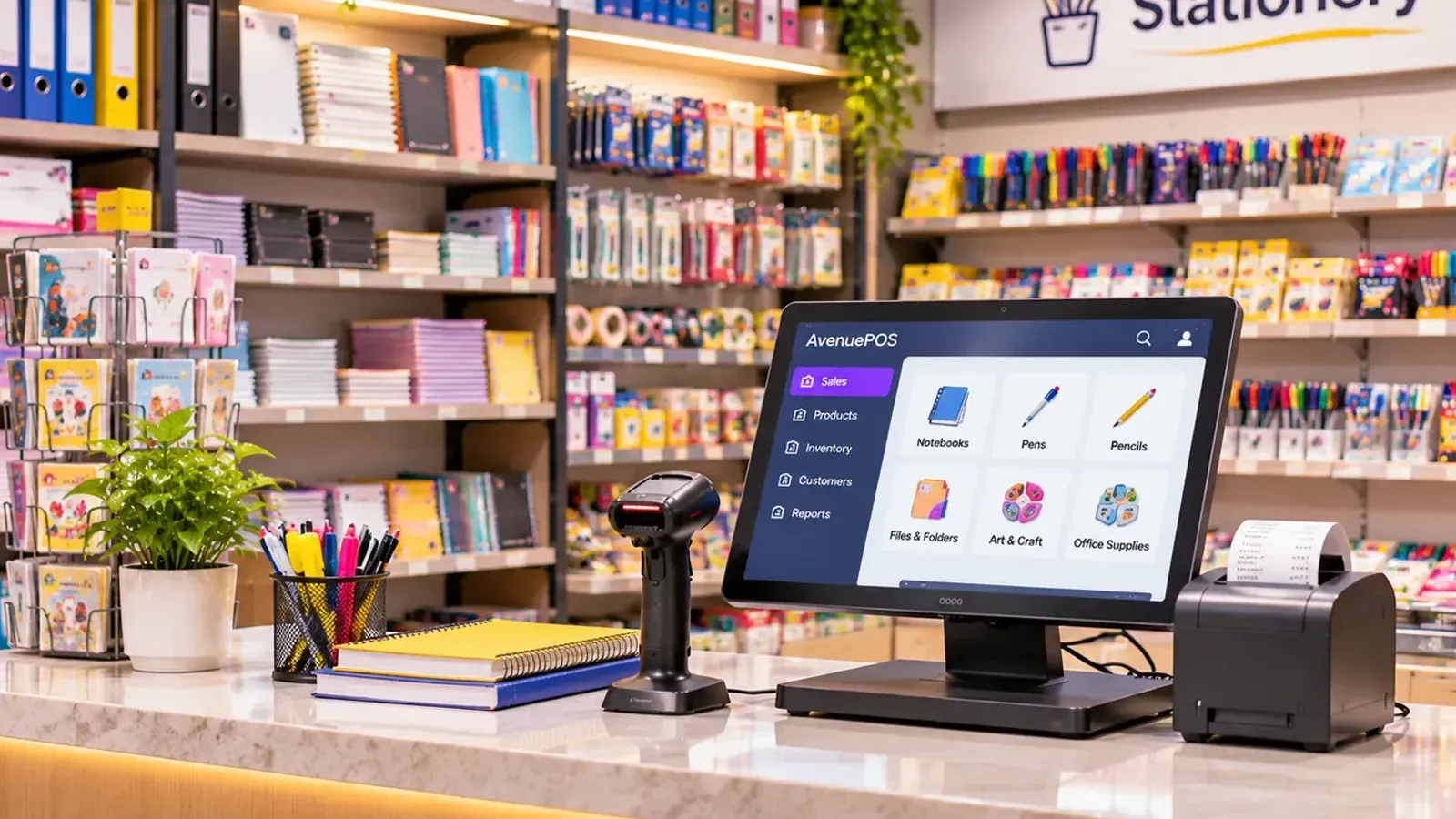
"How much will it cost me?" is the first question every shop owner asks about POS software, and the answer from most vendors is "it depends". That is not very helpful. So in this guide, we break the cost into clear parts, give you indicative price ranges, show you three sample budgets, and point out the costs that people forget.
A note before we start: we sell POS software, so we show our own prices openly. For everything else (hardware, other vendors) the ranges are indicative, and prices change from city to city and from month to month. Please get two or three written quotes before you buy.
The five parts of the cost
1. The software
This is the monthly or yearly subscription (cloud POS), or the one-time licence plus a yearly support fee (traditional POS). Our own plans are:
| Plan | Per month | Per year | Who it suits | Limits |
|---|---|---|---|---|
| Starter | ₹499 | ₹4,990 | One shop, one counter | 1 store, 1 counter, 3 team members, 1,000 items |
| Growth | ₹999 | ₹9,990 | Busy shops, more counters | 2 stores, 4 counters, 10 team members, 20,000 items |
| Pro | ₹1,999 | ₹19,990 | Chains and large shops | 10 stores, 25 counters, 100 team members, 100,000 items |
Prices are before GST. The yearly price works out to two months free. For example, Starter costs ₹5,988 if you pay ₹499 for 12 months, and ₹4,990 if you pay yearly. Please see the pricing page for the full list of what each plan includes.
2. The hardware you do not have yet
You need a device with a screen. You may already own a laptop or a computer, and that is enough to begin. The rest is optional but useful. Indicative price ranges that shops commonly see in Indian markets, such as Lamington Road in Mumbai, SP Road in Bengaluru or Nehru Place in Delhi:
| Item | Approximate range | Do you need it? |
|---|---|---|
| Barcode scanner (handheld) | ₹1,500 to ₹4,500 | Strongly recommended for packaged goods |
| Thermal receipt printer (2-inch or 3-inch) | ₹3,500 to ₹9,000 | Yes, unless you send all bills on WhatsApp |
| Cash drawer | ₹3,000 to ₹6,500 | Optional; helps in busy cash shops |
| Label printer for shelf labels | ₹7,000 to ₹15,000 | Optional |
| Tablet or laptop, if you have none | ₹12,000 to ₹40,000 | Only if you have no device |
| UPS or power backup for the counter | ₹2,500 to ₹5,000 | Wise if power cuts are common |
These are indicative figures only. Brand, quality and city change them. Ask the dealer to confirm that the scanner and printer work with your software before you pay.
3. Setup and adding items
With cloud POS, setup is usually free and quick, especially if you can import items from Excel. With a traditional system, a technician may charge for installation and for visits. If you have thousands of items, count the hours it takes to enter them, or ask whether the vendor helps with the import.
4. Training your team
Mostly this costs time rather than money: an afternoon during a slow week. If the vendor charges separately for training, add it to the quote.
5. Support, updates and extras
Some vendors include everything. Others charge extra for support, for each additional user or counter, for GST updates or for data export. Ask for these in writing.
Three sample budgets
Here are three illustrative examples of the first-year cost, using our own prices and middle-of-the-range hardware figures. They show how to think about it. Your own numbers will differ.
| Small one-counter shop (has a laptop) | Busy grocery store, 2 counters | Just trying it out | |
|---|---|---|---|
| Software | Starter, yearly: ₹4,990 | Growth, yearly: ₹9,990 | 14-day free trial: ₹0 |
| Barcode scanner | ₹2,500 | 2 × ₹2,500 = ₹5,000 | Not needed |
| Receipt printer | ₹5,000 | 2 × ₹5,000 = ₹10,000 | Not needed |
| Cash drawer | Skipped | ₹4,000 | Not needed |
| First-year total (before GST on software) | ₹12,490 | ₹28,990 | ₹0 |
For the small shop, the next years cost only the software, which is ₹4,990 a year, or about ₹416 a month. The hardware is a one-time spend, and you can use it for several years.
Watch for these hidden costs
- Per-user or per-counter charges. A cheap plan can become costly when you add a second cashier.
- Item limits. Some plans stop at a small number of items. Check yours.
- Renewal price jumps. A first-year discount may disappear at renewal.
- Paid support. Support when your billing stops at 7 pm on a Saturday should not be a premium add-on.
- Data export fees. You should be able to download your own data free of charge.
- Hardware lock-in. If only the vendor's printer works, you pay the vendor's price.
- GST. Quotes are often shown before GST. If you are GST-registered, you may be able to claim input tax credit on the software. Please check with your CA.
Cloud vs traditional: the three-year view
A traditional system can look cheaper on day one, because you pay once. But yearly support, technician visits, backup devices and upgrades add up. We worked through an example in Cloud-Based POS vs Traditional POS Software. The lesson is simple: compare three-year costs, not first-day prices.
Is it worth the money?
Here is one way to think about it. The Starter plan at ₹499 a month works out to about ₹16 a day, which is the price of a cup or two of chai. Now ask: does it save you more than that every day? A single wrong bill, an unnoticed discount, one missed reorder that costs a sale, or an hour of your own time spent counting stock, can easily cost more. We look at this in Manual Billing vs POS Software: Cost, Speed and Accuracy.
Shops tell us it helps in this way. Jain Sons Stationery in Jaipur said that Avenue POS "has made our billing process more convenient" and that they can manage product sales and daily business activities "without unnecessary complications". Convenience is hard to put a price on, but time is not. If you run a similar shop, see POS software for stationery and book shops.
Five ways to spend less
- Start with what you own. Use your existing laptop. Add the scanner first, and the printer next.
- Pay yearly if you are sure. It can save you about two months of fees.
- Buy the smallest plan that fits today and move up when you grow. Make sure you can upgrade easily.
- Import your items from Excel instead of paying someone to type them.
- Use the free trial well. A 14-day trial with real bills tells you more than any brochure.
The bottom line
POS software in India is not a big-ticket purchase for most shops. A small shop can start for roughly the cost of a good phone, and a subscription of a few hundred rupees a month. The real risk is not the price, but a wrong choice with hidden charges. Ask for the full three-year cost, check the limits, and test before you pay. If you are still choosing, start with How to Choose the Best POS Software for Your Retail Store.