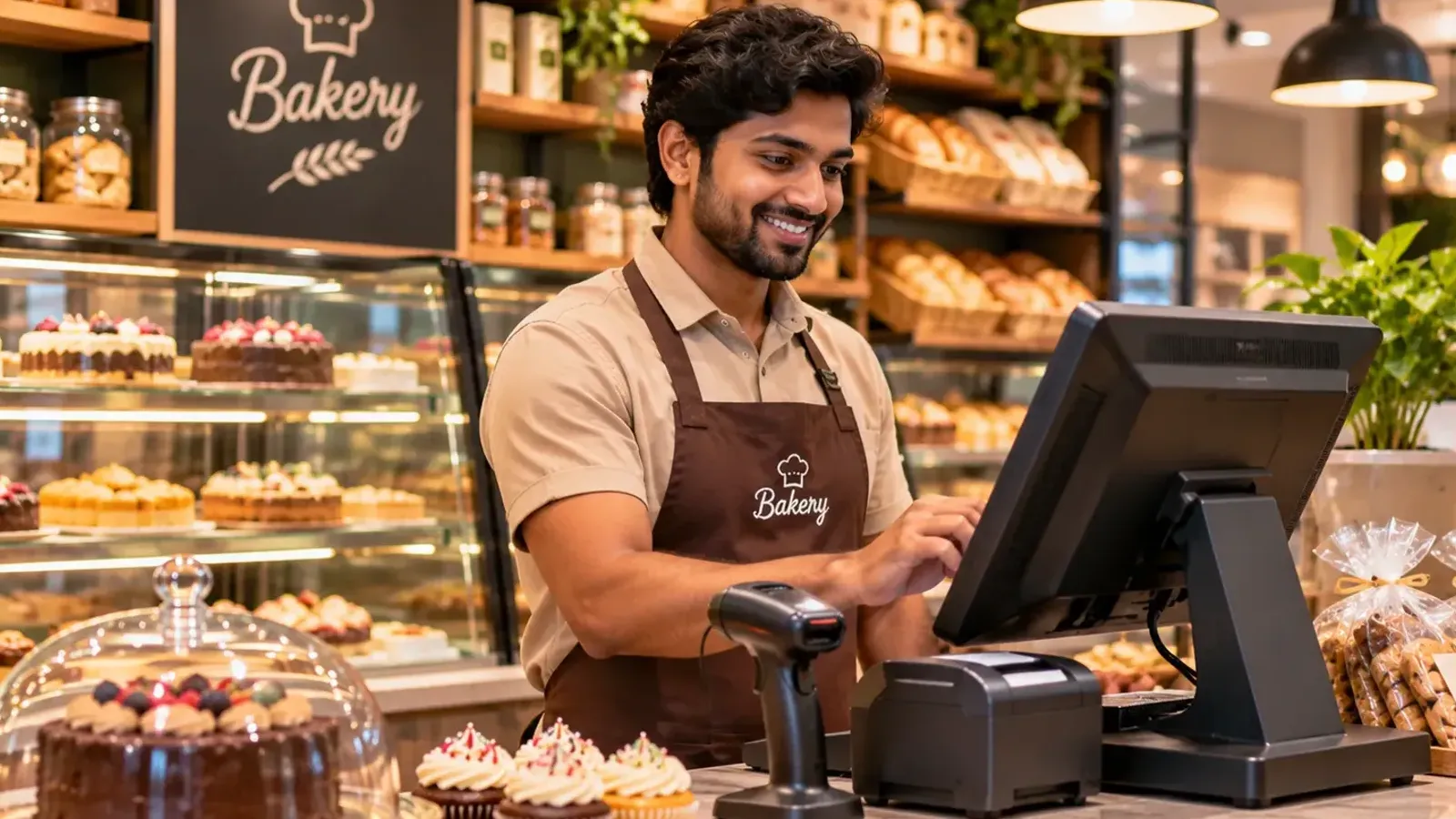
A small shop owner wears many hats. He is the salesman, the cashier, the storekeeper, the accountant and sometimes the delivery boy. When such an owner looks at POS software, a long list of features can be more confusing than helpful. Do I need loyalty tiers? Do I need AI forecasting? What about a kitchen display?
Probably not. A small business needs a few things done really well. In this guide, we list the features that matter, how to test each one, and what you can safely ignore for now. The example we use is a small general store in Nagpur with two staff members and about 800 items, but the same list works for a bakery, a stationery shop or a clothing store.
The 10 features that matter
1. Fast, simple billing
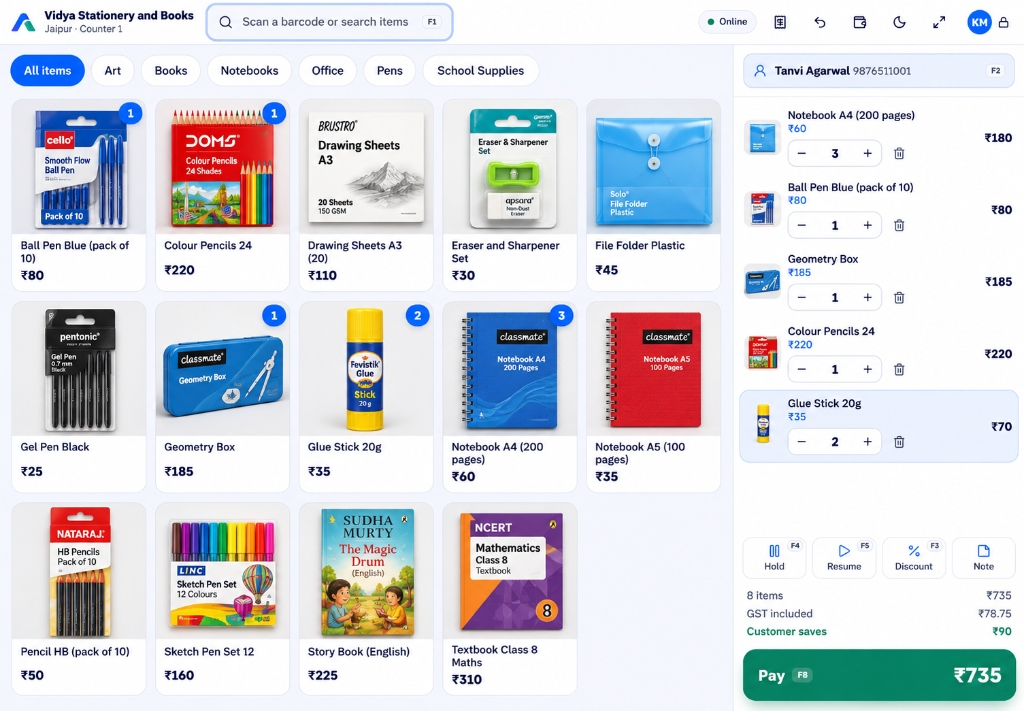
The billing screen is where your team spends the whole day. It should let you scan, search by name or tap a picture. It should allow you to change the quantity, hold a bill, and resume it. Test it: ask a new person to bill ten items without help. If they struggle, your team will struggle too.
2. Offline billing
Your internet will drop at some point, and so will the power. The counter must keep going. Items and prices should be saved on the device, and bills should be sent when the connection returns, once only. Test it: turn off the Wi-Fi in the middle of a trial and bill two items.
3. Correct GST bills
Each item should have its own GST rate and HSN code. The bill must show the tax split, and the software must handle a tax invoice or a bill of supply. Test it: bill two items with different rates and check the tax by hand, as we showed in How Does POS Software Work?
4. Live stock
Stock should fall with every sale and rise with every delivery. You should be able to set a low-stock level and see a list of items to reorder. Test it: sell an item and look at its stock right after.
5. Support for how you really sell
Some shops sell loose items by weight. Some sell items in sizes and colours. Some need batch numbers and expiry dates. Some need serial numbers. Make sure the product supports your way, not only the standard way. Test it: add your trickiest item and bill it.
6. Every payment mode, including UPI
A customer may pay half in cash and half by UPI. A good system handles split payments, shows the change, and keeps separate totals for cash, UPI and cards. Test it: do a split payment and check the closing report.
7. Staff logins and limits
Every person should have a PIN. You should be able to set how much discount a cashier can give, and who can cancel items. It protects both you and your staff. Test it: try a discount above the limit and see that it asks for a manager.
8. Customer records and store credit
Saving a mobile number once lets you see purchase history, return items against the right bill, and send the bill on WhatsApp. Many small shops also give store credit instead of cash refunds. Test it: add a customer in two taps during billing.
9. Simple reports you can understand
You need to see today's sales, the best sellers, profit, and stock to reorder. If you cannot understand a report without a trainer, you will stop opening it. Test it: after billing a few items, open the day's report and see if it makes sense.
10. Easy import and export
Adding 800 items by hand takes days. Importing from Excel takes minutes. And you should be able to download your data in Excel at any time. Test it: import a sheet with 20 of your items, and export your sales.
A simple checklist to carry to every demo
| Feature | Must have now | Nice to have | Can wait |
|---|---|---|---|
| Billing by scan, search and picture | ✔ | ||
| Offline billing | ✔ | ||
| GST invoice and bill of supply | ✔ | ||
| Live stock and low-stock alerts | ✔ | ||
| UPI, card, cash and split payment | ✔ | ||
| Staff PINs and discount limits | ✔ | ||
| Excel import and export | ✔ | ||
| Customer records, WhatsApp bills | ✔ | ||
| View sales on your phone | ✔ | ||
| Label printing | ✔ | ||
| Many branches, central control | ✔ | ||
| Loyalty points and advanced offers | ✔ |
Features that sound fancy but you can skip at first
- Advanced loyalty tiers. Regular customers come back because of service and price. First get the basics right.
- AI sales forecasts. With a few weeks of data, they say little. A simple "best sellers" list tells you more.
- Hardware you do not need. A tablet, a scanner and a printer are enough at the start. You can add a cash drawer later.
- Too many modules. A product that does accounting, payroll and e-commerce can be heavy to learn. You can add those later, or use tools you already trust.
Check the plan, not only the product
For a small business, the plan limits matter as much as the features. Look at the number of items, users and counters it allows, and what happens when you cross a limit. Our Starter plan, for example, covers one store and one counter with 1,000 items and 3 team members, at ₹499 a month, and you can move up when the shop grows. You can see all plans on the pricing page, and we explain how shops usually budget in How Much Does POS Software Cost in India?
Look for something your team can learn in a day
Ease matters more than features, because the software is only useful if your team really uses it. Phoenix Enterprises, a stationery and art supplies shop in Kochi, told us, "Avenue POS is a practical solution for our shop. Billing and tracking everyday sales have become more organised. The interface is simple and easy to understand." That is the experience you should look for in any product. Ask for a trial, and hand the screen to your most reluctant helper.
For specific kinds of small shops
The basics are common, but each shop has its own extras. If you want to see how POS software looks for a particular shop, we have pages for POS software for general stores, POS software for bakeries and cafés and POS software for stationery and book shops.
The bottom line
You do not need the biggest product. You need the one that does ten things reliably, fits your budget, and can be learned in a day. Make a copy of the checklist above, take it to every demo, and let the trial decide. If you want to compare more options, read How to Choose the Best POS Software for Your Retail Store.