Walk into any computer market in India, and you will hear both words in the same breath: "billing software" and "POS software". Dealers use them as if they mean the same thing. They do not. And choosing the wrong one can leave you with a tool that makes beautiful invoices but slows down your counter, or one that is too heavy for your needs.
In this guide, we explain the difference in plain words, with a comparison table, examples from different kinds of shops, and a simple way to decide. The short version is that billing is one job, while POS software does that job and several others at the counter.
What is billing software?
Billing software (also called invoicing software) is built to create invoices. You choose a customer, add items or services, and a GST invoice is made, often as a PDF to print or share. Most billing software also keeps party ledgers: who owes you, who you owe, and how much.
Think of a trader in Masjid Bunder in Mumbai who sends 15 invoices a day to regular buyers. Each invoice is big, the customers are known, and the focus is on the accounts. Billing software suits this well.
What is POS software?
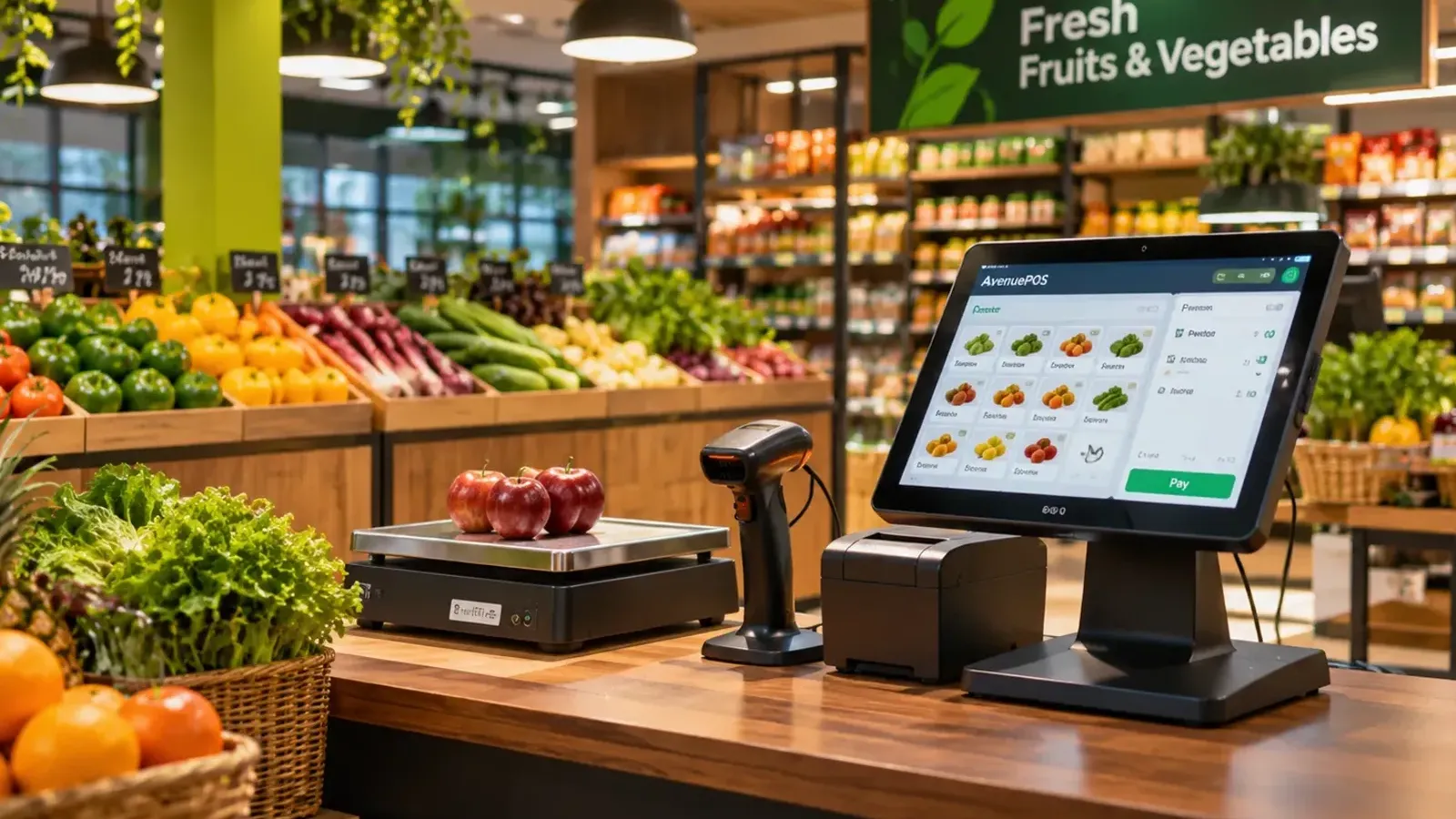
POS (point of sale) software is built for the counter, where customers walk in, pick things and pay. It is designed for speed and for the whole sale process: scanning barcodes, tapping item pictures, mixing cash and UPI, printing a receipt on a thermal printer, and updating stock at once. It also has staff PINs, shift opening and closing, cash counting and reports. We explain how it works in How Does POS Software Work?
Think of a grocery store in Indore with 200 bills a day, each with 5 to 10 small items, mostly paid by UPI or cash. Speed and stock control matter most here, and that is where POS software shines.
The difference in one table
| Point | Billing software | POS software |
|---|---|---|
| Main job | Create invoices, track party accounts | Run the whole sales counter |
| Best for | Fewer, larger invoices; known customers | Many walk-in customers; small bills |
| Speed at the counter | Moderate; typing or choosing items | Fast; scan, tap or search |
| Barcode scanner and weighing scale | Sometimes | Built in |
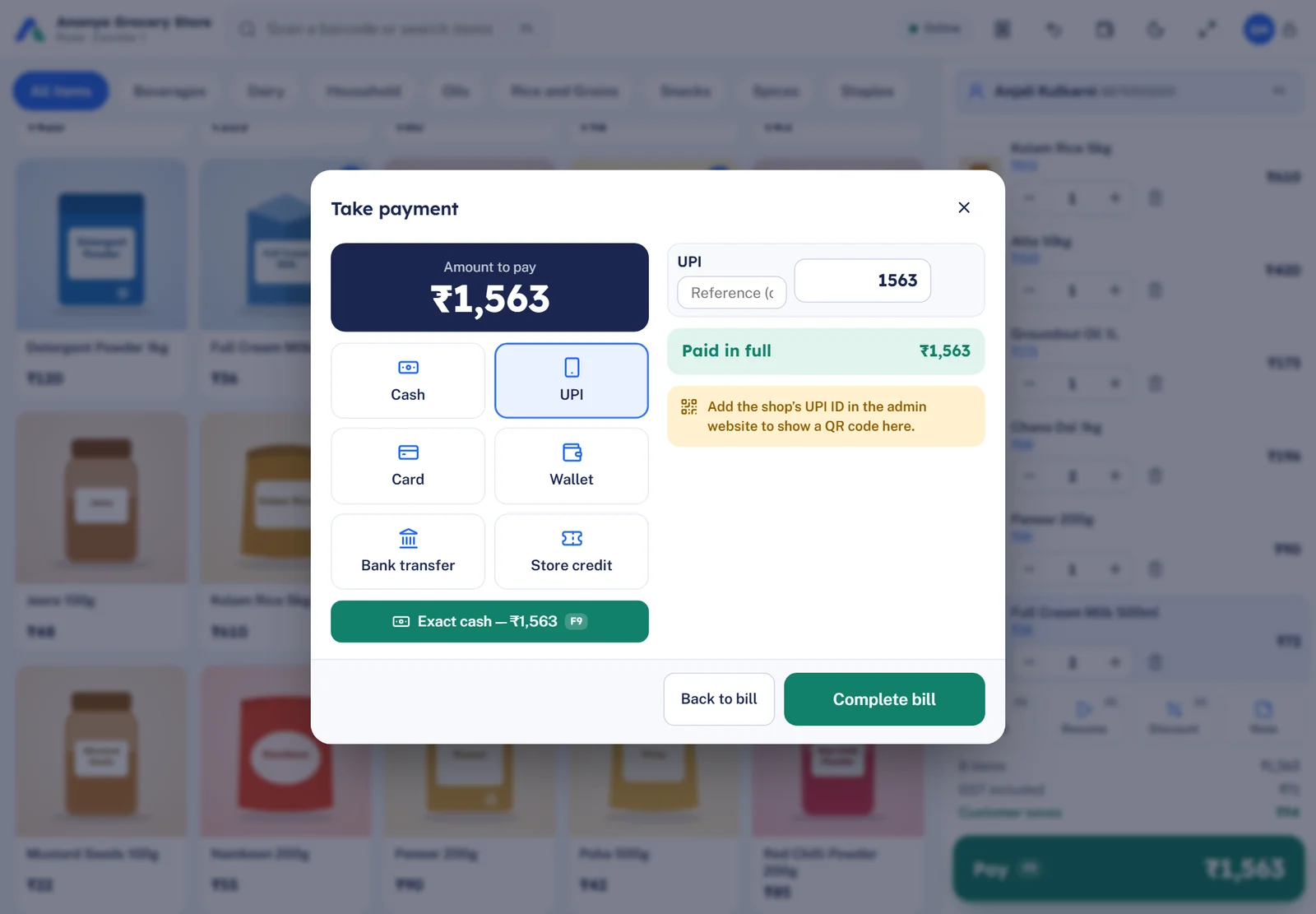
| Payments | Records how the invoice was paid | Takes cash, UPI, card and split payments at the counter |
| Stock | Basic, or a separate module | Live stock, updated by every sale and return |
| Receipt printer and cash drawer | Usually A4 or A5 invoices | Thermal receipts; drawer opens automatically |
| Staff control | Limited | PINs, discount limits, activity log |
| Shift and cash closing | Rare | Standard |
| Customer accounts and ledgers | Strong | Good; often store credit and purchase history |
Where they overlap
Here is why people get confused: a modern POS system also makes GST invoices, so it includes billing. It can issue a tax invoice, or a bill of supply for composition dealers, with HSN codes and the CGST/SGST/IGST split. Some POS products also make A4 invoices for business customers. So a POS can do the billing job, but billing software usually cannot do the POS job.
It is a little like the difference between a calculator and a smartphone. Both can add two numbers, but only one runs the shop.
What about accounting software?
Many shops also hear about accounting software, which your chartered accountant may use to keep your books, file GST returns and prepare financial statements. It is a third kind of tool, and it is excellent at what it does. But it was not built for a fast counter, so it can feel slow when a queue is waiting.
The practical approach used by many shops is simple: a POS at the counter for billing, stock and payments, and the accountant's software for the books. The POS gives your accountant clean sales and tax reports in Excel, so no one retypes anything.
Three shops, three choices
These are illustrative examples.
- A stationery shop in Jaipur with 150 small bills a day, a school-season rush and thousands of items. It needs a POS: fast scanning, stock, and a bill for every customer. See how it looks on our page for POS software for stationery and book shops.
- A wholesale trader in Delhi who sells in bulk to 40 regular buyers and sends A4 GST invoices. He needs strong party accounts, and also some stock control. A POS that supports A4 invoices and trader accounts can work well. We have a page on POS software for wholesale shops.
- A consultant in Bengaluru who sends five invoices a month for services. Billing software is enough. A POS would be too much.
How to decide: five questions
- How many bills do I make a day? More than 30 or 40, and POS starts to pay off.
- Do most customers just walk in? If yes, choose POS. If they are mainly regular accounts, billing software may do.
- Do I need live stock? If yes, choose POS, or make sure the billing tool has real stock control.
- Do I want a thermal receipt, a scanner and a cash drawer? That points to POS.
- Do I need to control who gives discounts? POS usually does this better.
If you answered "POS" to three or more, a POS system is probably the right choice. For a full checklist, see How to Choose the Best POS Software for Your Retail Store.
A note on "billing machines"
You may also see "billing machines", which are small devices with a keypad and a printer. They print a bill, and some keep a simple record of sales. They are better than writing by hand, but they usually cannot manage stock, staff or reports in the way POS software does. If you are comparing, our article Manual Billing vs POS Software shows what you gain by moving to a full system.
What our customers value
Shops tell us that what they like is having everything together. HP Bala Stationery in Bengaluru said, "Managing different stationery products is easier with Avenue POS. The billing experience is smooth, and having sales information available in one place is very helpful." That "one place" is the real point of a POS system: billing, stock and sales together.
The bottom line
Billing software and POS software are not rivals. They are different tools for different jobs. If you make a few large invoices, billing software is enough. If you serve walk-in customers all day and need speed, stock and control, POS software is the right choice, and it will make your invoices too. Do not pay for features that you do not need, and do not choose a tool that slows your counter.