If you have started looking at POS software, you have probably met two kinds of salesmen. One says, "Buy once, use for life, no monthly fee." The other says, "Why buy? Subscribe, and everything is looked after." Both sound reasonable, and both have a point.
In this guide, we compare cloud-based POS and traditional (installed) POS in plain words, with the things that matter in an Indian shop: power cuts, weak internet, GST, a helper who may leave, and a budget that is always tight.
What is traditional POS software?
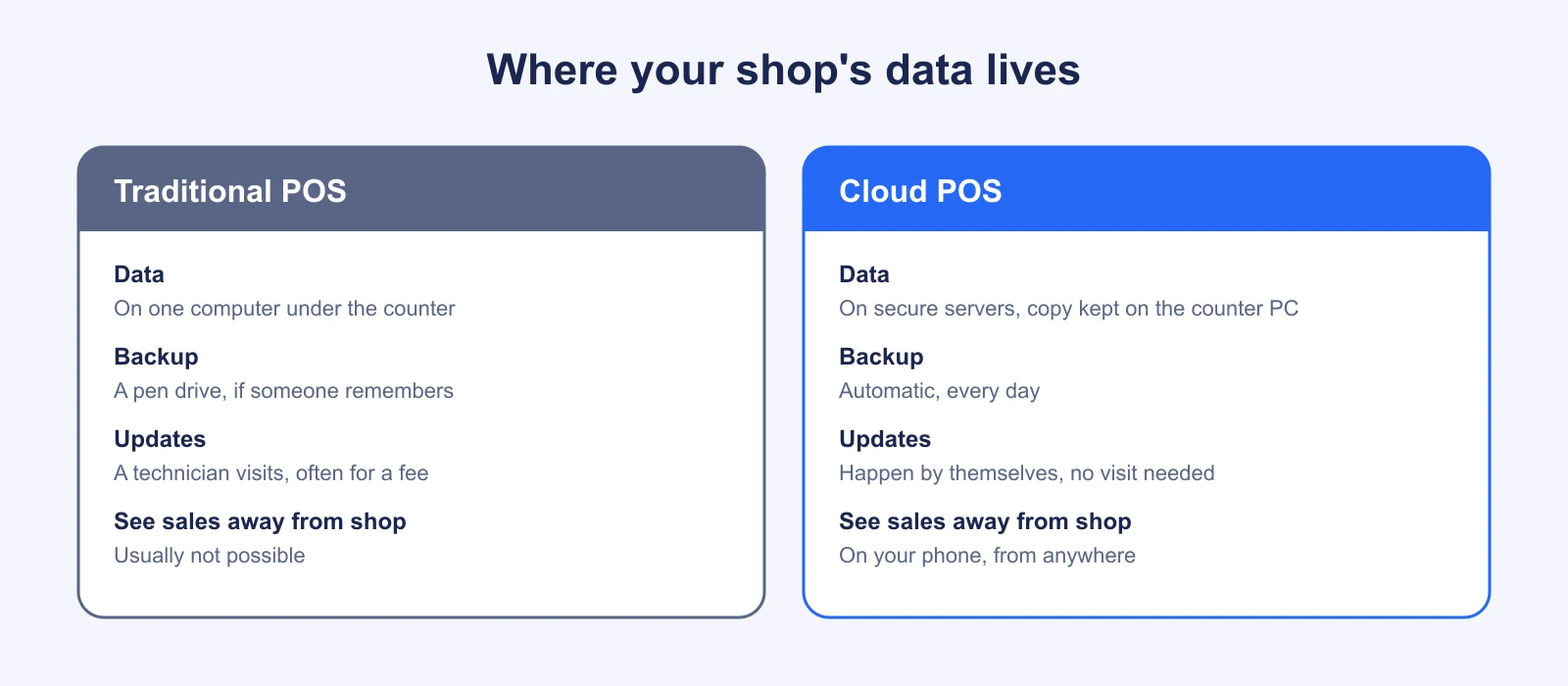
You buy a licence, and a technician installs the program on a computer in your shop. All your items, bills and customer details are stored on that computer. It usually works without the internet because it does not need it. You pay a one-time price, and then a yearly fee, often called AMC, for support and updates.
What is cloud-based POS software?
You open the software in a browser such as Chrome or Edge, and log in. Your data is stored on secure servers and is backed up for you. You pay a monthly or yearly subscription. Updates happen automatically, and you can see your shop from your phone. Modern cloud POS also keeps a copy of your items and prices on the counter device, so billing continues even when the internet drops.
Side-by-side comparison
| Point | Traditional POS | Cloud POS |
|---|---|---|
| Where data is kept | One computer in the shop | Secure servers, plus a copy on the counter device |
| Starting cost | Higher one-time payment | Low monthly or yearly fee |
| Yearly cost | Support fee (AMC), plus visits and upgrades | The subscription, usually everything included |
| Setup | Technician visit, installation | Sign up, add items, start in a few hours |
| Backups | Manual, depends on someone remembering | Automatic |
| Updates and GST changes | Often need a visit or a paid upgrade | Automatic |
| Works without internet | Yes, always | Yes, if the product has offline billing |
| See sales from your phone | Usually not possible | Yes |
| More than one counter or branch | Difficult, needs extra setup | Simple, add a counter or store |
| If the computer is stolen or damaged | Data may be gone without a backup | Data is safe on the server |
Three real-life situations
1. The computer that stopped starting
A hard disk failing is a very ordinary event after four or five years of use, in dust and heat, often with power surges. With a traditional system, the question is "When did we last take a backup?" Many shops answer "a few months ago", or "on a pen drive that nobody can find". With cloud POS, the data was never only on that disk, so you replace the computer, log in, and carry on.
2. The owner who travels
Imagine an owner who has two garment shops, one in Surat and one in Ahmedabad, and who spends time at the wholesale market. With a traditional system, he phones the shop to ask about the day's sales and trusts what he is told. With cloud POS, he opens his phone and sees both shops' sales, stock and cash. The trust remains, but the guesswork goes.
3. The weak internet
In some places, such as a market in a smaller town, the connection is unreliable. This is the strongest argument for traditional software. But it is not an argument against all cloud POS. If the product has proper offline billing, the counter works as before, and sends the data later. This is why offline mode is the first thing we tell people to check, and you can see how we do it in the offline billing section of our home page.
What does each cost over three years?
Costs differ from vendor to vendor, so use the numbers below only as an example to show how to compare. Always ask for a written quote.
| Illustrative three-year cost | Traditional POS (example) | Cloud POS (example) |
|---|---|---|
| Licence or subscription | ₹12,000 one-time | ₹4,990 a year × 3 = ₹14,970 |
| Yearly support (AMC) | ₹2,000 × 3 = ₹6,000 | Included |
| Technician visits, upgrades | ₹3,000 (assumed) | Included |
| Backup device | ₹1,500 (assumed) | Not needed |
| Total (example) | about ₹22,500 | ₹14,970 |
The cloud figure is our Starter plan billed yearly, which is ₹4,990 a year, as shown on our pricing page. The traditional figures are assumptions for illustration, not a quote from any company. Your own numbers may be lower or higher. The point is to include every cost, not only the first payment. We go deeper in How Much Does POS Software Cost in India?
Security: is the cloud risky?
It is natural to worry about putting shop data "on the internet". Think about how you already live: your money is in a bank, your photos are on your phone's cloud, and your UPI runs online. The real question is not "cloud or not", but "is it well built?". Check for these:
- Each shop's data is kept separate from every other shop's
- Each person has their own login, and the owner can limit what each person can do
- Past sales cannot be quietly edited; corrections are recorded as returns or adjustments
- You can download all your data whenever you wish
A single computer under the counter has its own risks: theft, damage, viruses and a helper who copies the data before leaving. Neither choice is risk-free, but a well-built cloud system covers more of them.
When traditional POS still makes sense
We believe in being fair. A traditional system can be a good choice if all of these are true: you have one counter, you will never need to see data away from the shop, your internet is almost always unavailable, and you have a technician you trust who takes regular backups. If even one of these is not true, cloud POS with offline billing usually wins.
When cloud POS is the better choice
- You want to see your shop from your phone, or you manage more than one outlet
- You do not want to depend on a single computer or a single technician
- You want to start quickly and pay a small amount every month
- You want updates, such as GST changes, without a visit or an extra fee
- You plan to grow, and add counters, staff or branches
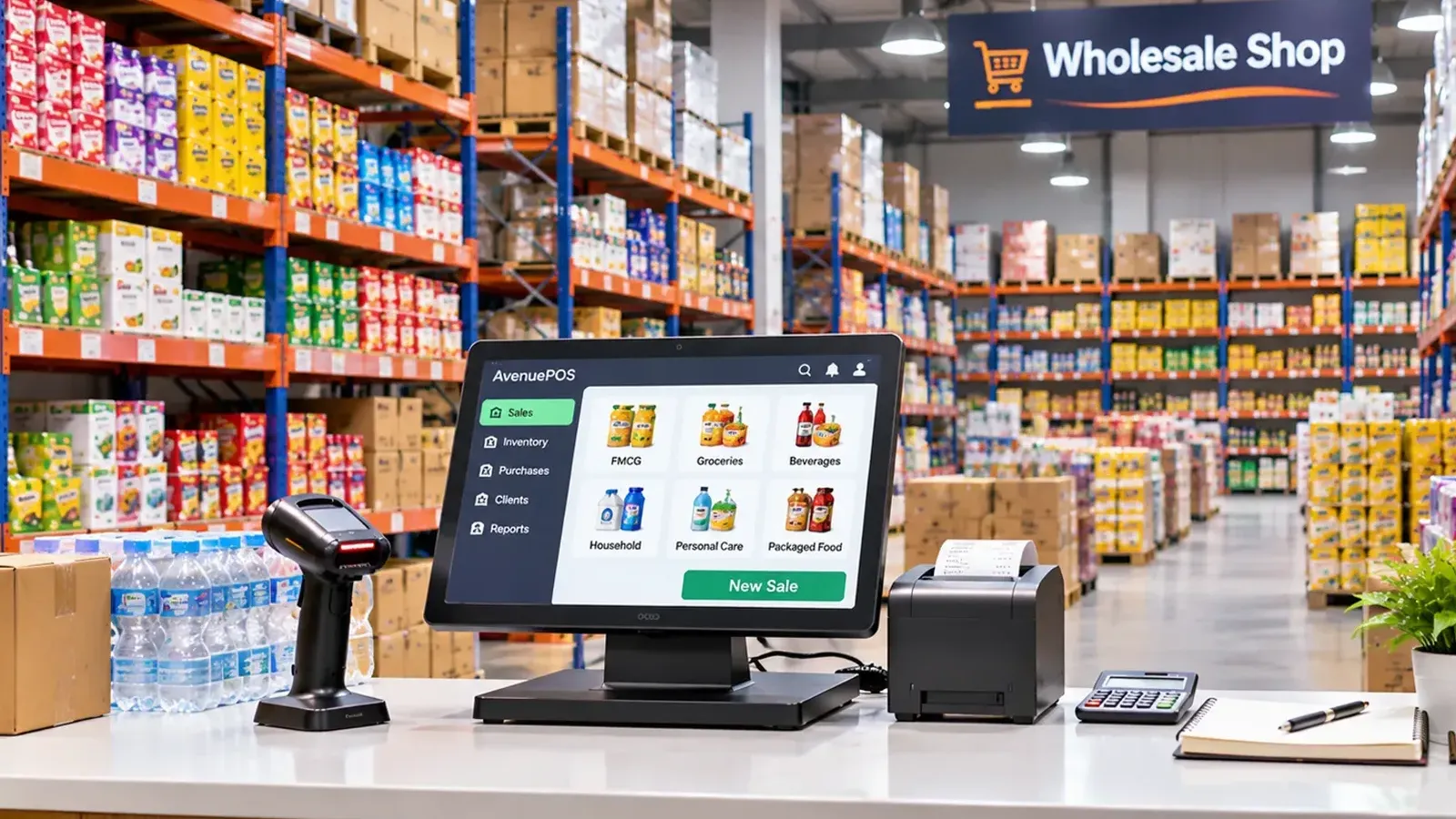
Shops that keep heavy stock and make many bills a day, such as wholesale shops, tend to feel the benefit of cloud POS first.
How to decide
- Write down whether you need remote view and more than one counter.
- Ask every vendor for a three-year written cost.
- Test offline billing by switching off the Wi-Fi during your trial.
- Check that you can export your data.
Our guide How to Choose the Best POS Software for Your Retail Store has the full checklist. If you decide to move from an old system, read How to Implement POS Software in an Existing Retail Store.
The bottom line
Traditional POS is a good old bullock cart: reliable on a known road, but slow to turn and hard to expand. Cloud POS is more like a modern vehicle that also has a spare wheel: it works in more places, with fewer worries, as long as it carries its own offline copy. For most new shops, cloud POS with offline billing gives the best balance of cost, safety and freedom.